

 Login
Employee Time and Attendance Tracking Software
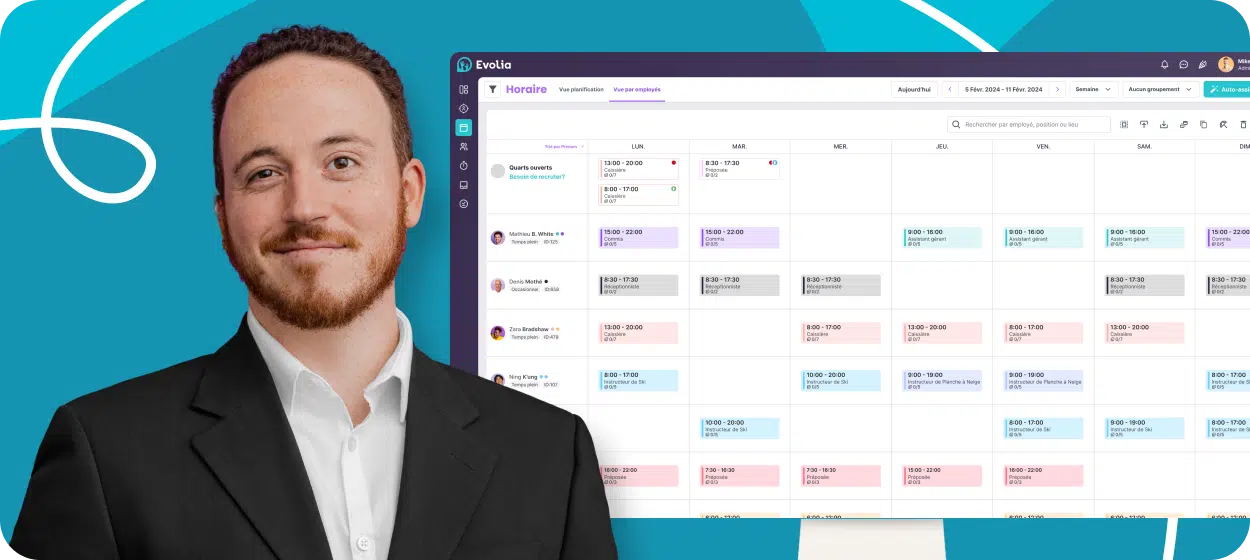
Track time, automate adjustments & streamline payroll
Evolia’s employee time and attendance software helps you:
- Track time using multiple clock-in solutions
- Automate premium, overtime and leave calculation
- Transfer approved timesheets to ADP, Payworks, Employeur D and many other payroll systems


Join over 13,000 managers who simplified time tracking with Evolia







98% employee satisfaction
Internal customer surveys reveal that over 98% of their employees enjoy using Evolia and find the solution intuitive.
Employee time tracking
Multiple ways to clock. One source of truth
Our solutions adapt to your needs to ensure accurate, precise real-time tracking. They fit the reality of your teams and make sure that clocked time cannot be altered.
Fixed console clocking
Turn any tablet or computer into a fixed punch terminal. Make sure employees are physically at this exact location and prevent queues by relying on fast PIN punching. Evolia can also take a picture to prevent buddy punching.
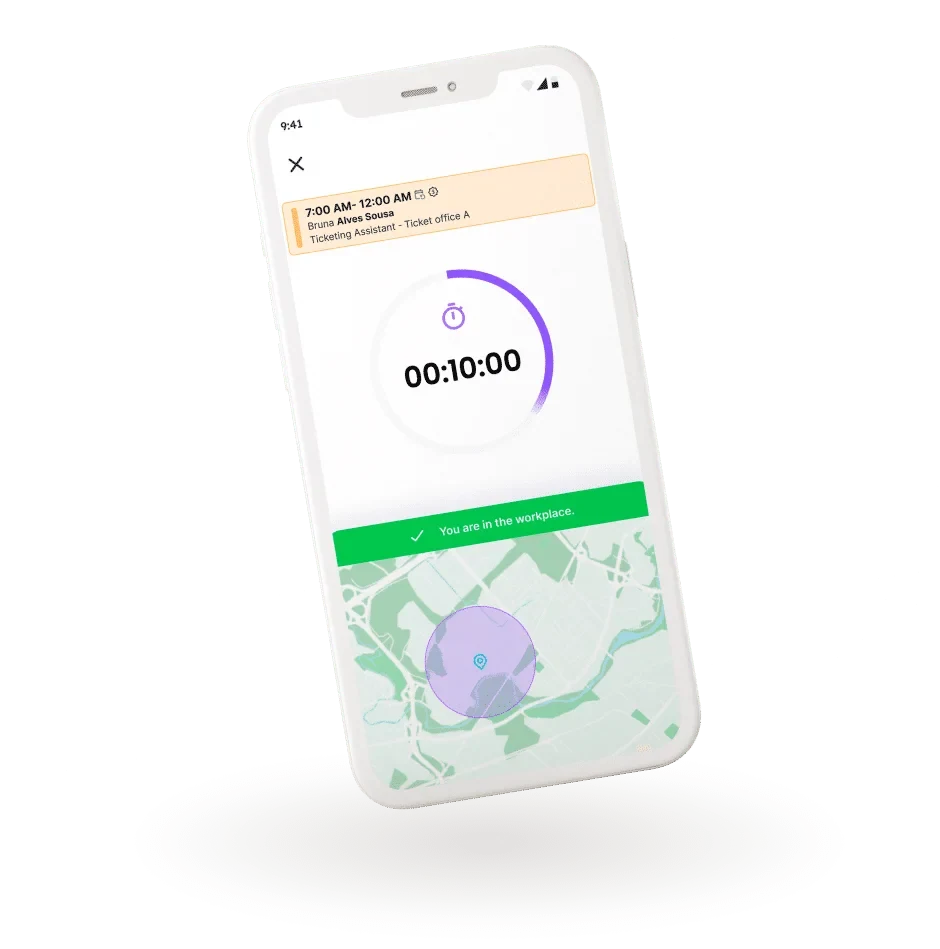
Geofenced mobile punch
Employees can clock in from their phone inside the location perimeter you set. Location is captured at punch, not tracked during the shift. Privacy-centric and accepted by most unions.
Biometric & RFID clock-in solutions
Evolia also supports multiple clocking devices. If your company has specific needs for RFID/Indala punch cards or biometric terminals, our team will be pleased to assist you in finding the right hardware for your reality.
Manual or automated time entries for office workers
For office, field and remote staff who don’t use a punch clock. Employees log hours against the right position, project or cost center. No timesheet template, no spreadsheet re-keying.
Smart Employee Timesheets
Forget manual timesheet adjustments & duplicate data entry
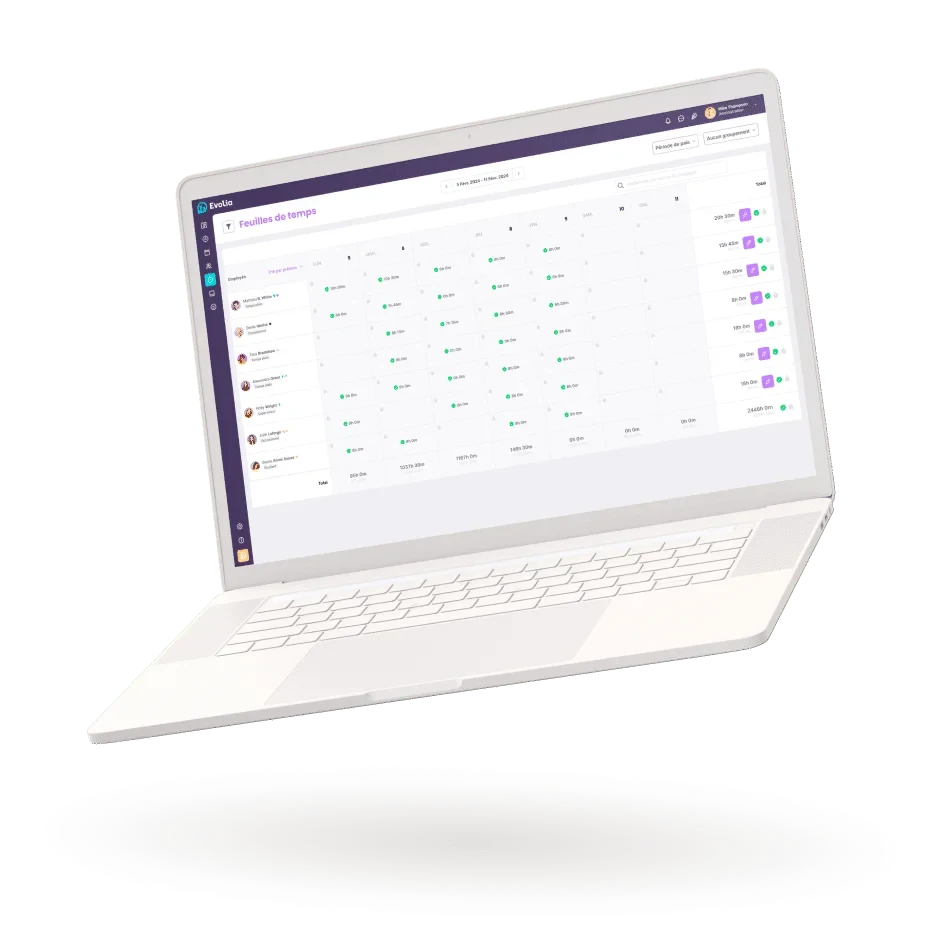
Evolia applies your time rules as employees clock in and out, so timesheets reach you ready to review. Focus only on the entries that need a human decision, then lock approved hours in a few clicks.
Smart timesheet rules
Set rounding rules, clock-in tolerance, auto-clock out and more. Let the most common discrepancies approve themselves based on your preferences and focus on validating only the time entries that are too far from the expected result.
Complete and robust activity logging
Evolia keeps track of planned, clocked and adjusted worked time and logs every automatic or manual adjustment made. Stay informed and make sure no time entry can be altered.
Two levels of timesheet approval
Approve and lock your timesheets, then send worked hours, premiums and expenses straight to your payroll system. Evolia partners with most leading payroll providers across North America to allocate hours to the right cost centers, general ledgers and projects.
Easy discrepancy approval
Tired of wasting hours validating timesheets every pay day? With Evolia, you can set your business rules, approve discrepancies in bulk and focus only on the time entries where a human decision is required.
Payroll preparation solution
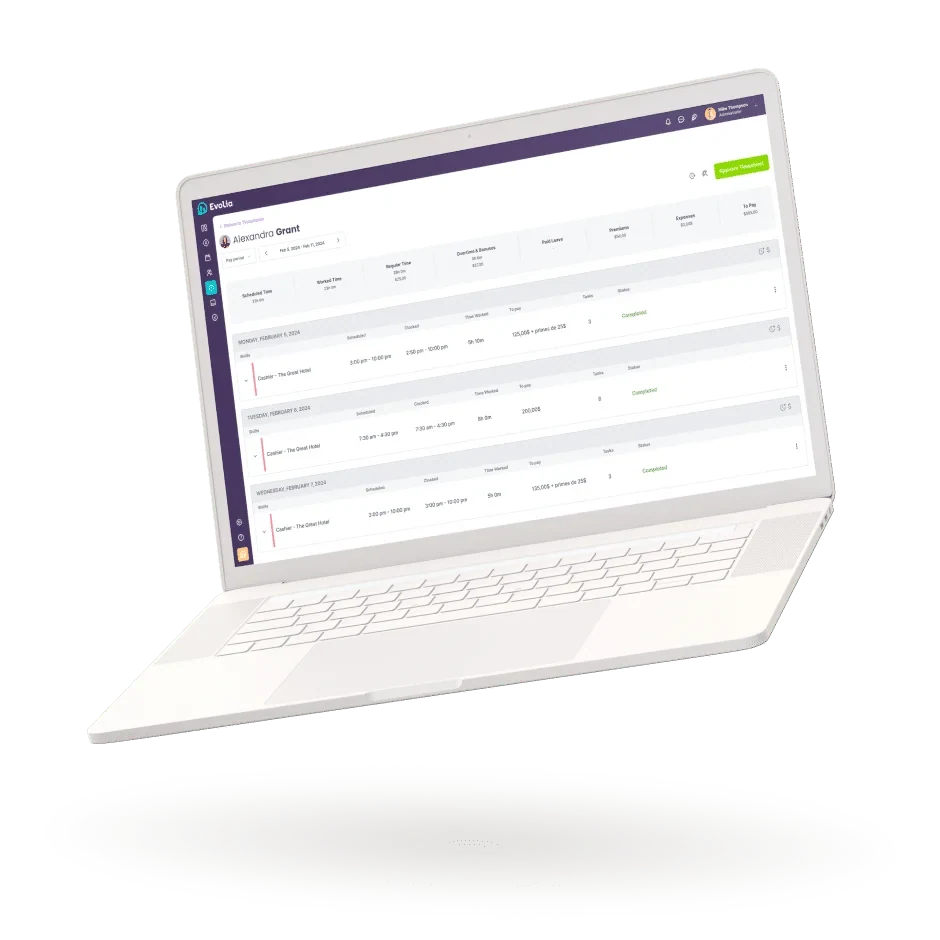
Calculate all payroll entries
Stop wasting hours on manual entries, payroll adjustments and reconciliation errors. Evolia automates your time calculation rules, flags discrepancies and connects directly to your payroll software. This way, payroll goes out on time, stress free and with the precision your workers deserve.
Calculate and segment overtime
Customize overtime rules, automate calculation and set whether those extra hours are paid, banked or split between both. Sync everything with your payroll in a single click when exporting timesheets. No manual entries required.
Organize expense accounts
Get employees to submit expenses and mileage as they finish their shift. Approve expenses directly in their timesheet so reimbursements get included in their payroll. No duplicate entry: it’s all centralized.
Adjust and validate leave and holiday compensation
By centralizing leave and holiday calculation in Evolia, you make sure that all compensations are accurately calculated and can transfer every amount due to payroll in a single operation.
Industries
Discover our customers’ success
Here’s how large and medium-sized companies use Evolia from recruitment to management.






Frequently asked questions
Evolia supports fixed console clocking on any tablet or computer, geofenced mobile punch, biometric and RFID devices, and manual or automated time entries for office, field and remote staff.
No. With the geofenced mobile punch, location is captured only when employees clock in from their phone inside the perimeter you set. It is not tracked during the shift.
Evolia transfers approved timesheets to ADP, Payworks, Employeur D and many other payroll systems. Worked hours, premiums and expenses are allocated to the right cost centers, general ledgers and projects.