

 Login
Absence & Time Off Management
Track time off banks & centralize leave requests
Give employees a simple way to request time off, keep every leave bank accurate and let Evolia handle accruals, approvals and schedule impacts.
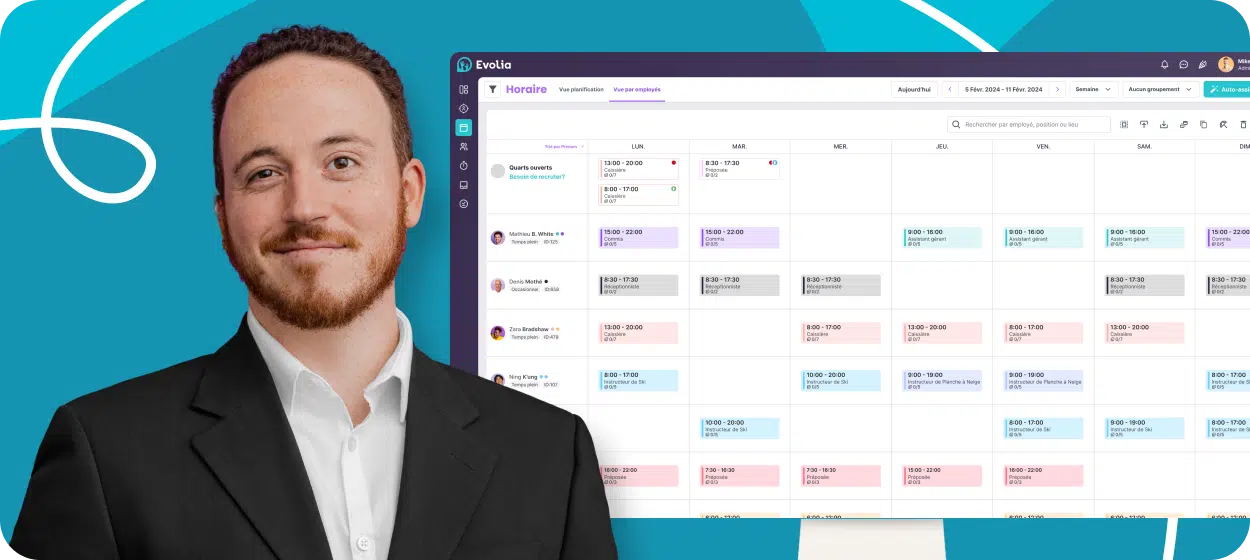
Join over 13,000 managers who stay in control of absences with Evolia







Leave Tracking and Accruals on Autopilot
Keep track of time banks & automate accruals
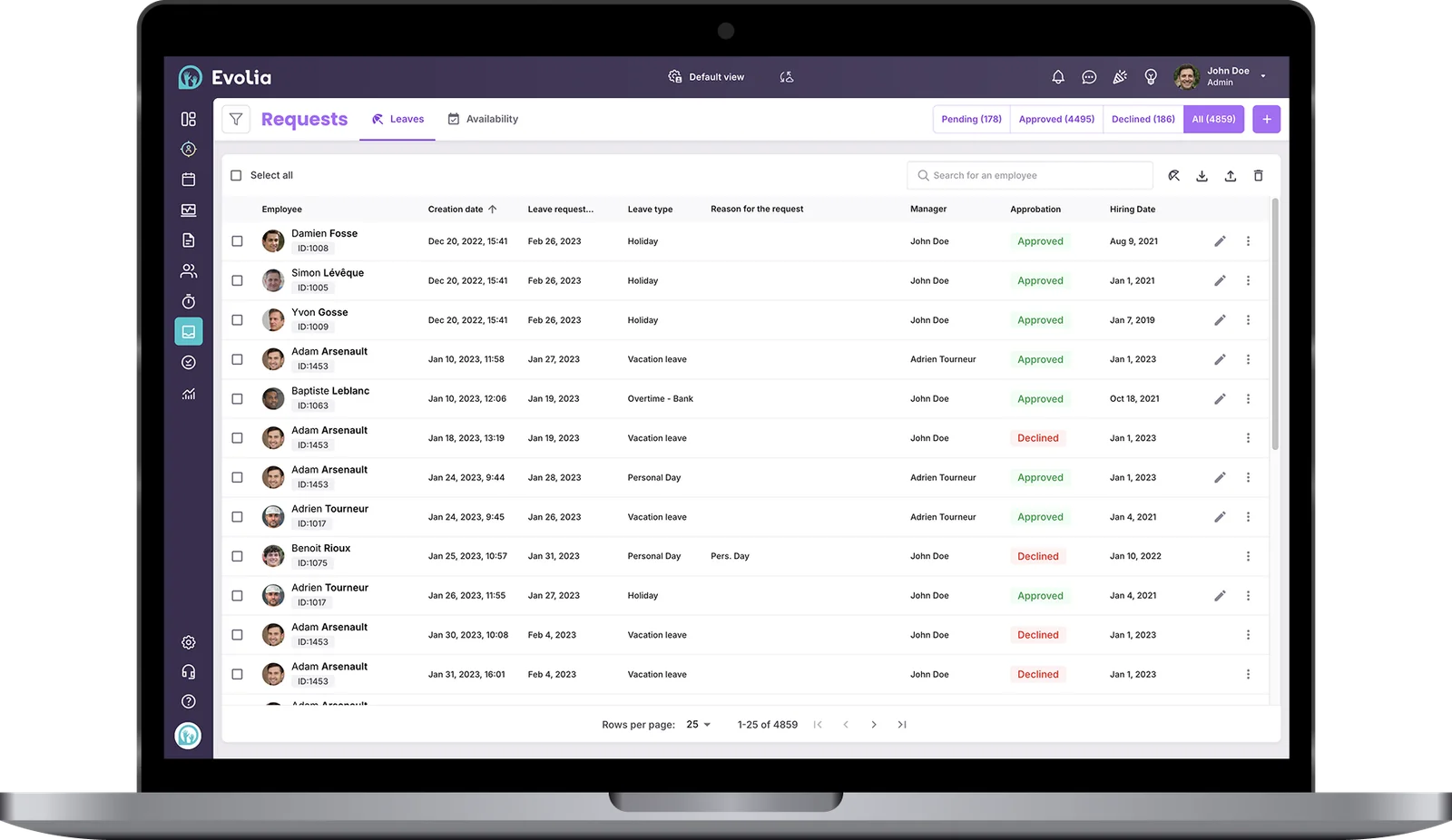
Bank overtime hours, set accrual rules and keep a record of time off hours available for each employee. Keep track of upcoming leaves to avoid bank deficits.
Automate holiday calculations
Customize holiday rules for every employee category and region, and make sure overtime, compensation and premiums are correctly applied.
Sync PTO and holidays to payroll
Map every time off and absence type to your payroll and HRIS to make sure all data flows seamlessly across your ecosystem.
Over 6,000 reviews
Discover how Evolia transformed the work of thousands of managers
From the platform’s ease of use to the dedication of our support team, Evolia helps managers streamline their HR management and simplify their daily work.

4.5

4.6
4.4K ratings

4.5
1.84K reviews
50K+ downloads
98% employee satisfaction
Internal customer surveys reveal that over 98% of their employees enjoy using Evolia and find the solution intuitive.
Customizable leave banks
Configure each leave category to calculate accruals and control requests
Set accrual rules, allow or restrict negative banks, set blackout periods or require supporting documents. Every time off bank has its own reality.
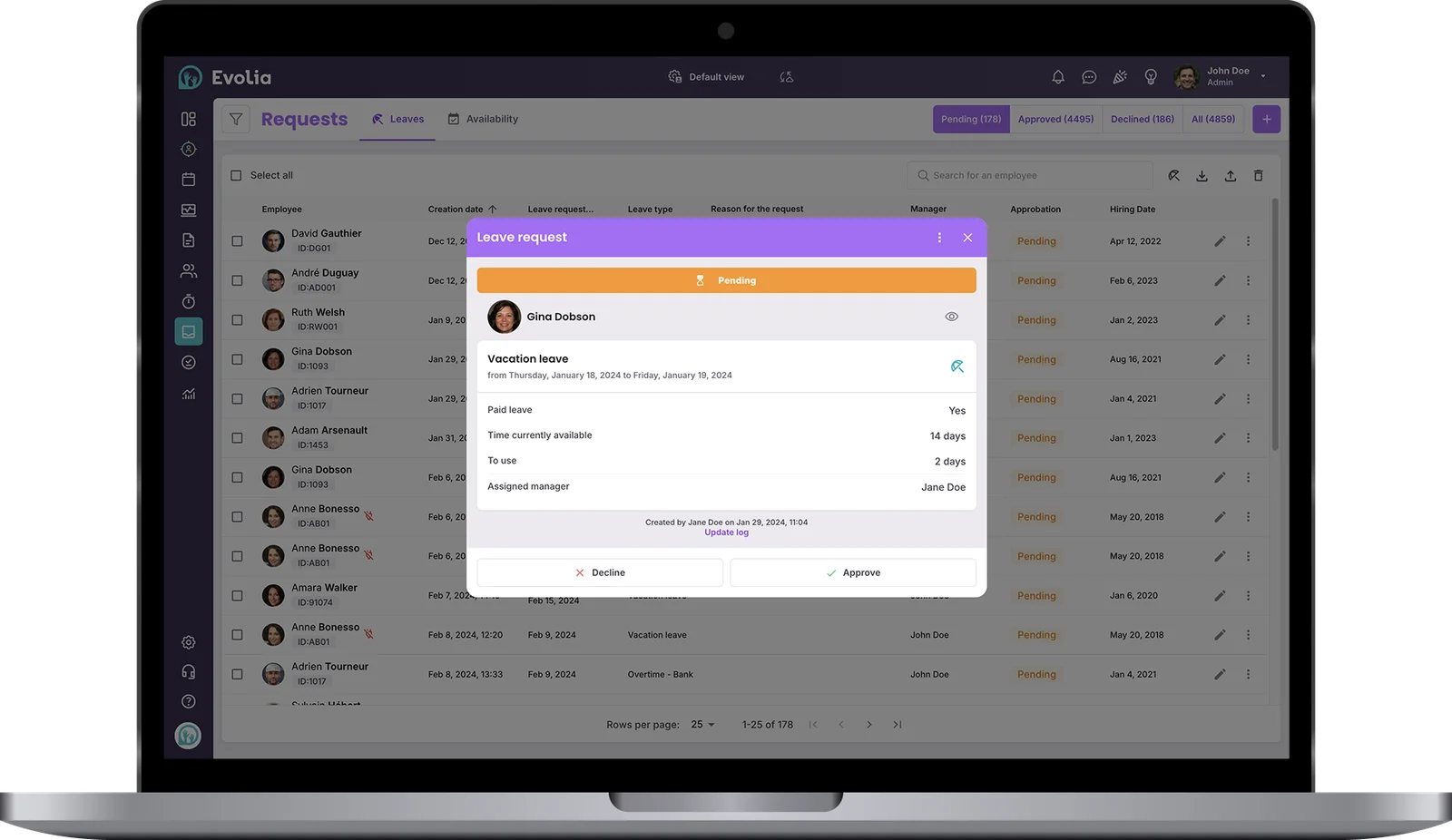
Configure accruals
Sync leave banks from your HRIS or payroll software, or have Evolia calculate accruals based on timesheets. Time off banks can be set in hours, days or dollars.
Customize leave permissions
Enforce request delays or blackout periods, require supporting documents and decide which types of leave and vacations are included in overtime and holiday calculations.
Set approval permissions
Block leave approvals when time banks are insufficient, require a double approval and avoid having too many employees on leave at the same time during critical periods.
Centralized leave management
Keep scheduling, time banks and leave requests connected
Make it easy for employees to request time off, remove approval delays and automate shift reassignments.
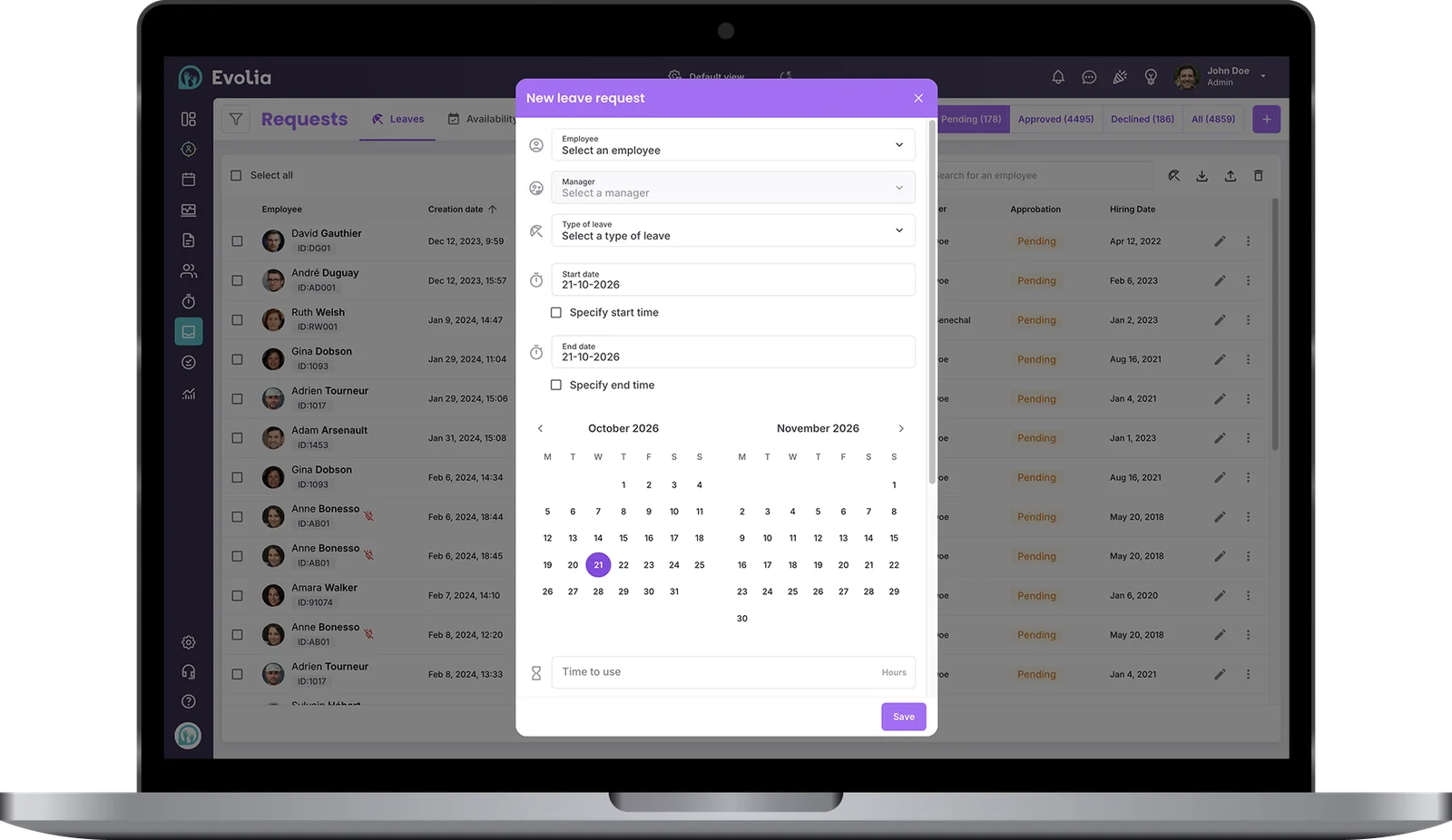
Easily submit and approve leave requests
Let employees submit leave requests from Evolia’s mobile app. Managers are notified instantly, which gives you more time to reassign shifts properly.
Reassign schedules when approving time off
Approve a request, then choose: find a replacement, reassign, cancel, or leave the shift open. Evolia updates the impacted schedules instantly.
Fair request queue
Approve by seniority or submission date so the same rule applies to everyone. No favoritism, no manual sorting.
Industries
Discover our customers’ success
Here’s how large and medium-sized companies use Evolia from recruitment to management.






Frequently asked questions
Yes. Evolia calculates accruals from timesheets, or syncs leave banks from your HRIS or payroll software. Time off banks can be set in hours, days or dollars.
Yes. Set blackout periods and request delays, require supporting documents and avoid having too many employees on leave at the same time during critical periods.
When you approve a request, you choose whether to find a replacement, reassign, cancel or leave the shift open, and Evolia updates the impacted schedules instantly.